 1b9f97cf37
|
||
|---|---|---|
| .design | ||
| .github/workflows | ||
| .vscode | ||
| dist | ||
| figs | ||
| src | ||
| tools | ||
| .cocorc | ||
| .eslintrc.json | ||
| .gitignore | ||
| .prettierignore | ||
| .prettierrc | ||
| LICENSE | ||
| README.md | ||
| package-lock.json | ||
| package.json | ||
| 🍵 lugit-theme.code-workspace | ||
README.md
lucaslabs › Gitea theme
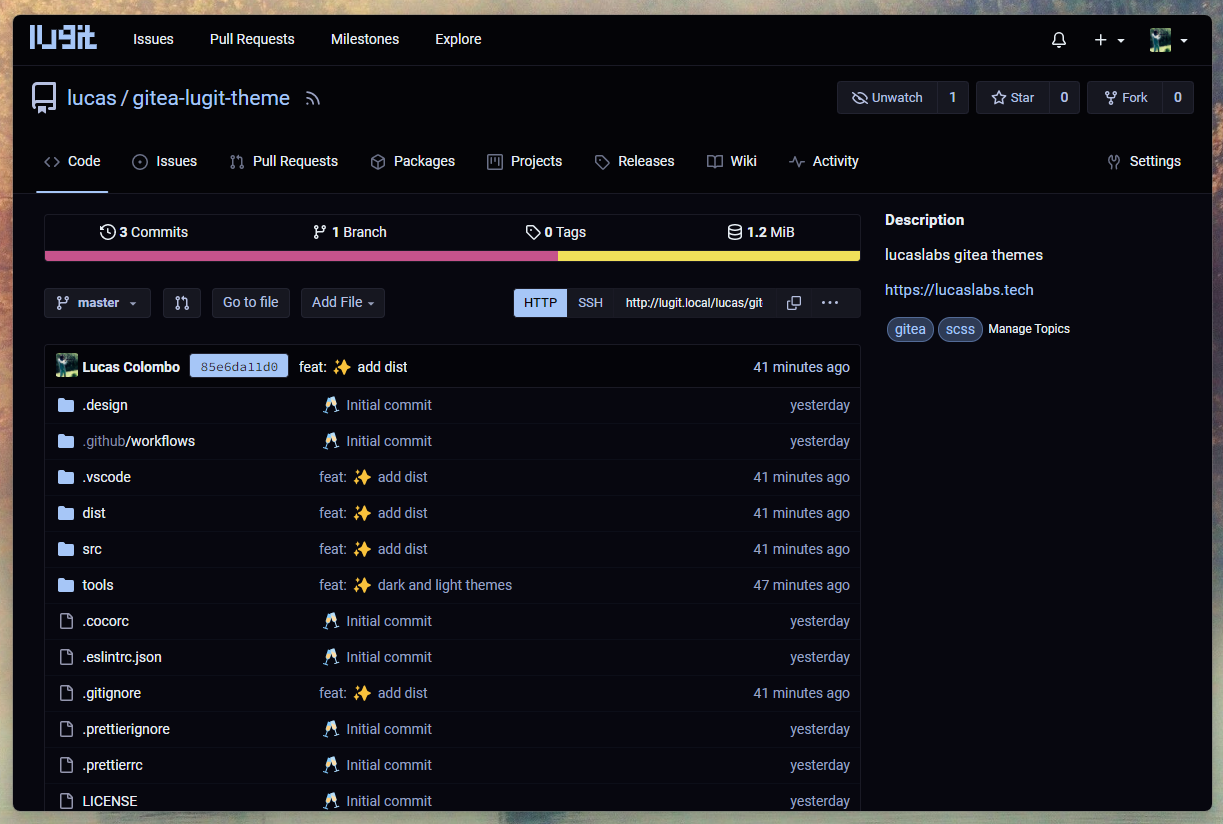
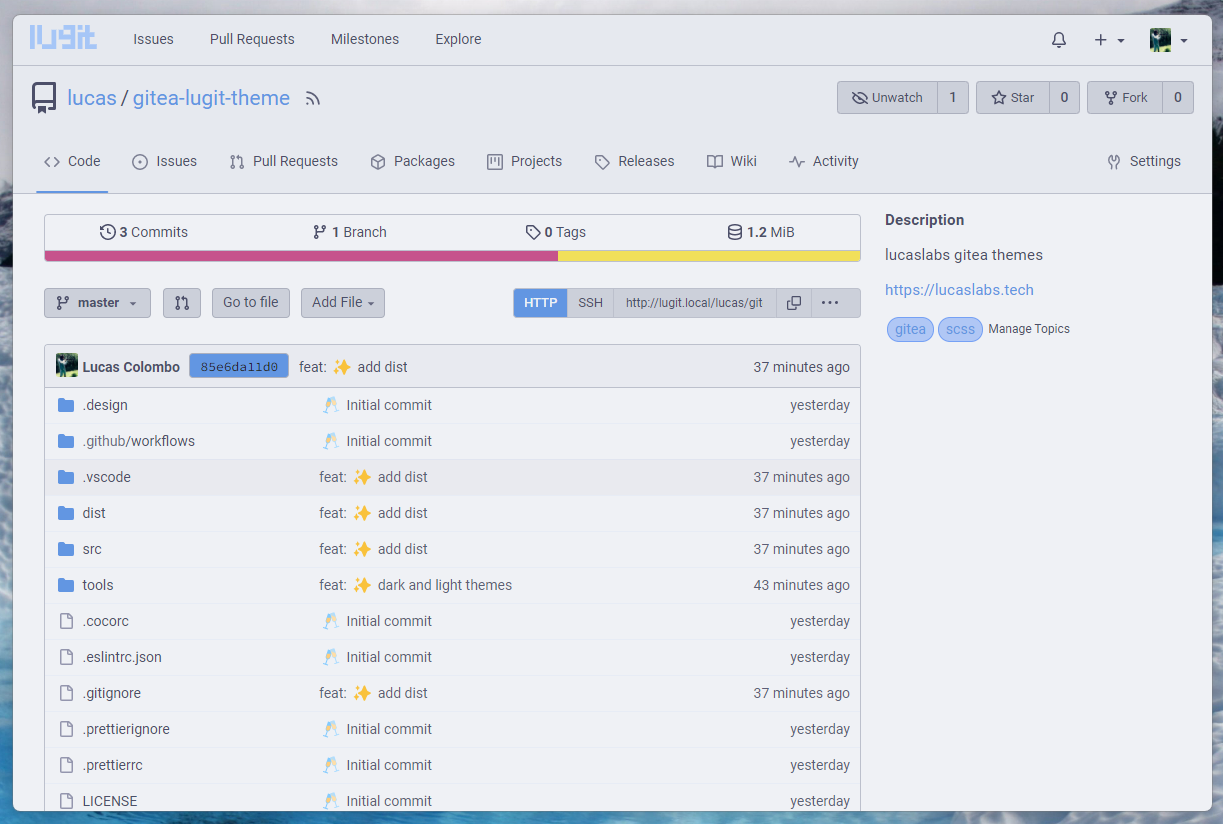
Theme for lucaslabs internal gitea server.
dark
light
Usage
- Clone this repo
- Place the files in the
distfolder in your$GITEA_CUSTOMdirectory. - Append the themes in your
app.inifile:
[ui]
THEMES=...,dark,light
DEFAULT_THEME=dark # optional
💡 You can change the names of the themes by changing the name of the theme files in
public/css/theme-{name}.cssand in theapp.inifile, accordingly.
- Restart
gitea.
🗒️ Note
Works withgiteaversionv1.20.
Credits
catppuccin/gitea, these themes are based on them.
Dev
build
$ npm install
$ npm run build